AI EMPLOYEES FOR YOUR BUSINESS

Delegate work.
Stay in control.

An AI team connected to your tools to move support, development and admin work forward. You set the permissions and approve sensitive actions.

Dedicated installation · Set up by MAWESI

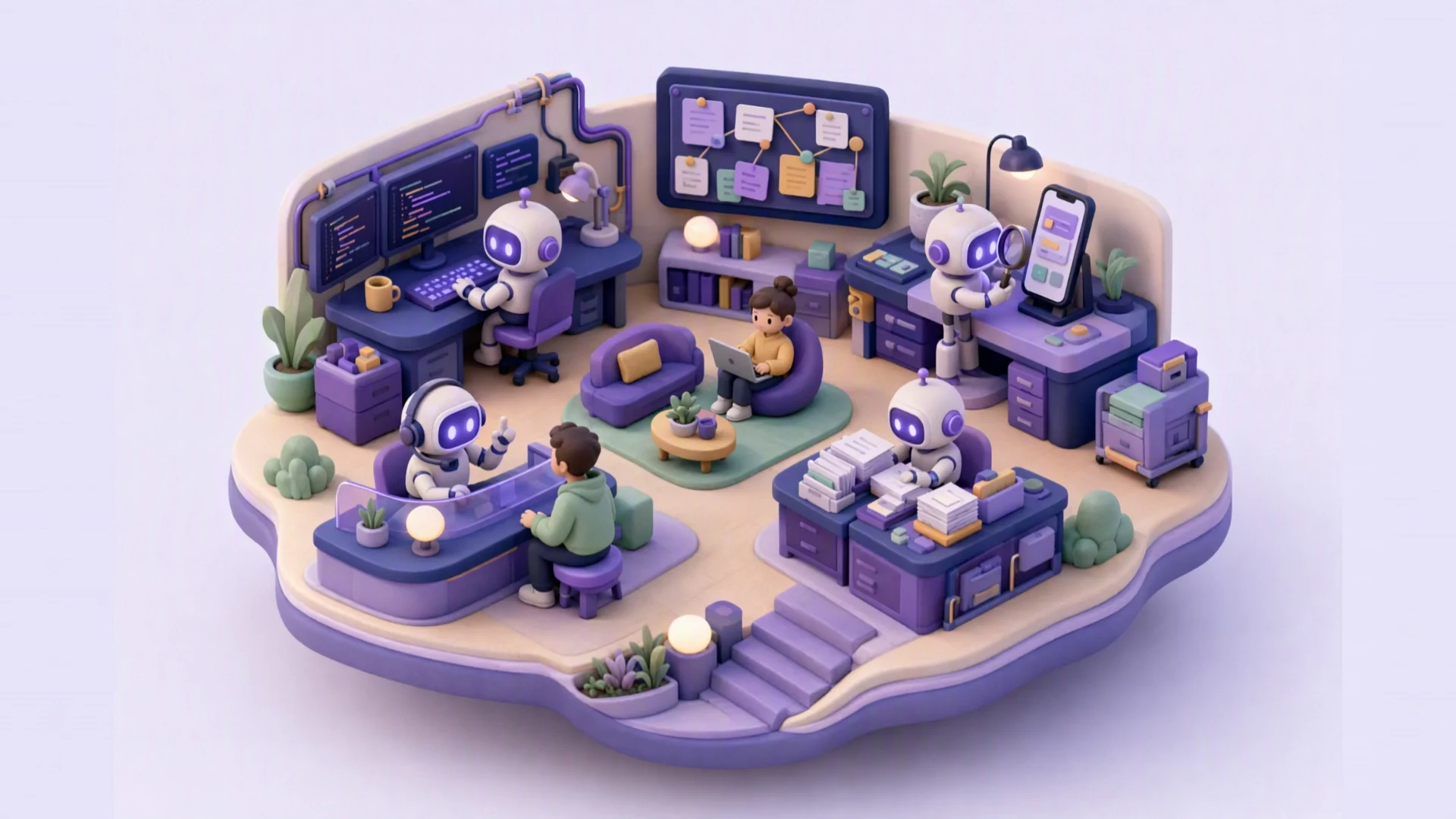
A miniature office where a person leads a team of robots working at their desks.
Work moves forward. You decide.Permissions, approvals and an activity record.

With the tools your team already uses.

  • ClickUp
  • GitHub
  • Azure DevOps
  • Microsoft Teams
  • Siigo
Each connection is configured with its own scope and credentials. If a service has an API, you can connect it too, with no custom code.

The video

AI Workforce in two and a half minutes.

From request to delivery: the employee, its own computer, your connections and your approvals.

With subtitles. The tools shown are examples: available connections depend on your installation.
Read what the video says

Every business runs on work that never stops. Invoices to reconcile. Orders to follow up. Emails to answer. Reports due on Monday. What if your team could grow... without growing the chaos?

Meet AI Workforce. These aren't chatbots. They are AI employees. Each one has a role, a manager, a budget, and clear permissions. They take assignments from the tools your team already uses, plan the work... and deliver. Just like the people on your team.

And here's the difference. An AI employee isn't just a model. It comes with its own computer. A private desktop, with a terminal, a web browser, a file workspace, and a studio for documents, spreadsheets, and even video. It opens files. It reads screenshots. It runs its own tools. And every move it makes stays inside your rules.

It works where your business already works. Your accounting in QuickBooks, or Siigo. Projects in ClickUp, Jira, or Azure DevOps. Email, calendar and Teams, with Microsoft 365. Chat on Telegram. Code on GitHub. Your own databases. And if a service has an API, you can connect it too. No custom code. You plug it in, you sign it once... and your whole team can use it.

You stay in control. Every action goes through a permission policy. Anything sensitive waits for a person, with a clear card: what changes, what could go wrong, and how to undo it. Approve it from your phone, in one tap. And every step is written to the audit log.

They work as a team. Sales hands over to finance. Finance, to operations. You watch it all, live: queues, costs, deliverables... and every morning, your day, already summarised.

Finance. Operations. Customer service. Logistics. Marketing. Any industry. Any team. AI Workforce. Your next hire is ready.

Meet your team, up close.

Explore the spaces of AI Workforce. The camera follows your scrolling; move forward or back at your own pace.

Scroll to exploreGo to the interactive example
  1. A team with names and roles.

    Give each employee a role, skills and a defined scope of work.

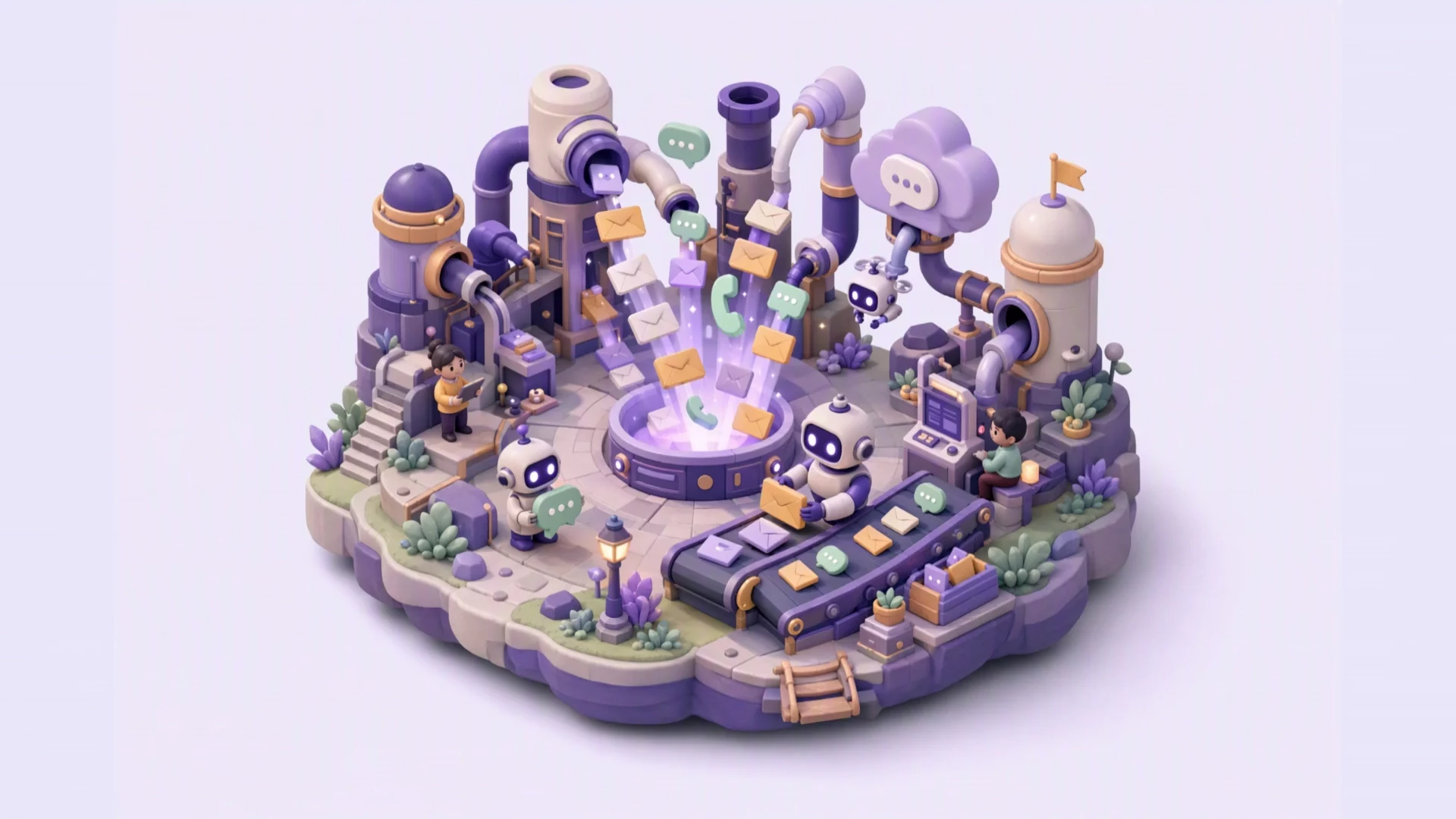
  2. Work arrives through your channels.

    Email, Telegram, Teams and ClickUp, depending on the connections you configure.

  3. Every task has someone to turn to.

    Support, development, QA and admin, with defined tools and permissions.

  4. Sensitive actions wait for your approval.

    Review the proposal, authorise the action and keep the decision on record.

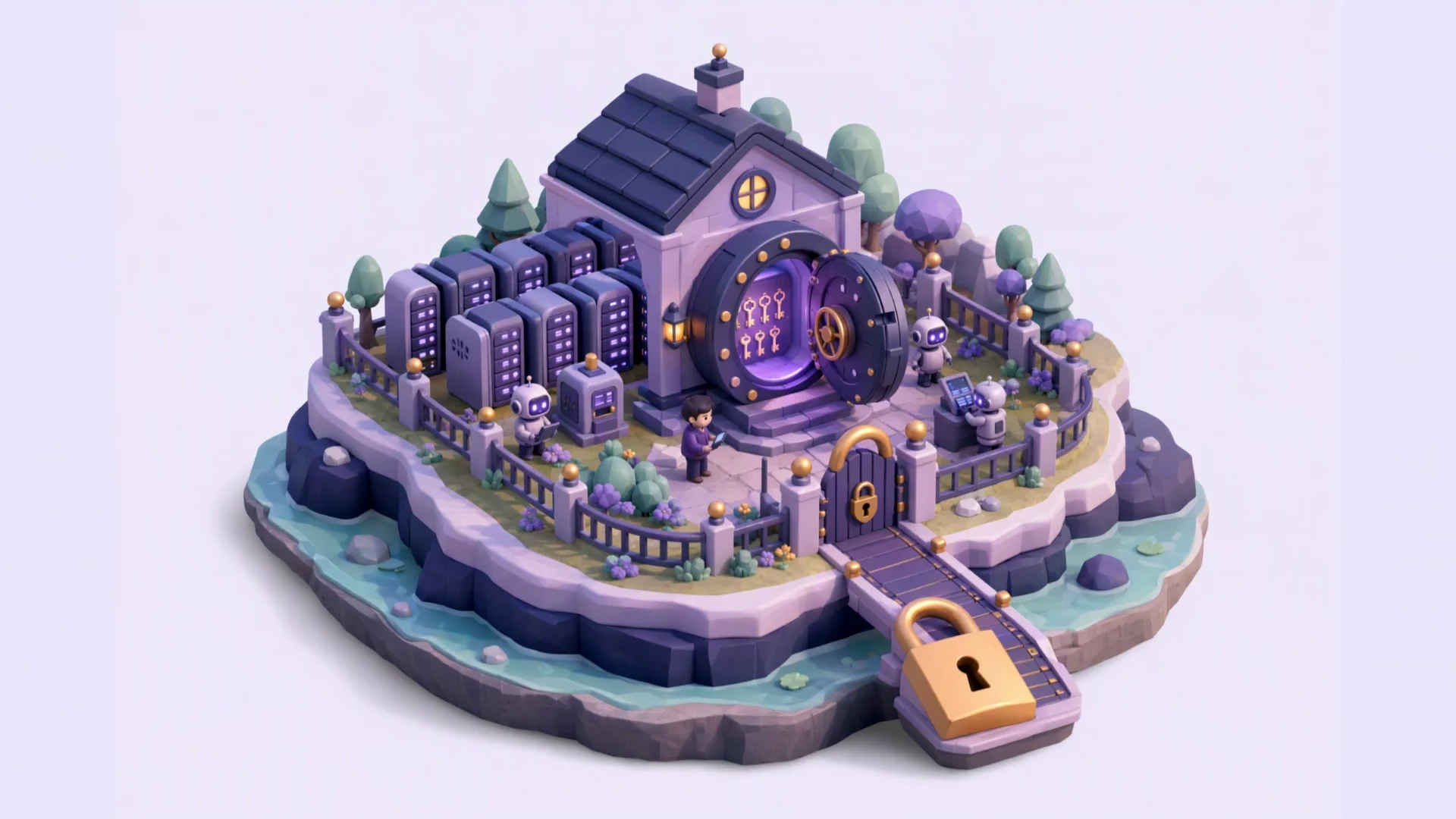
  5. An installation for your company.

    Your own configuration and credentials in a vault. AI uses the model provider.

  6. A team you can direct.

    Explore how it works and define the profiles your process needs.

From request to result

This is delegation with control.

Follow a task and decide what happens when the employee needs your approval.

Interactive example · illustrative data
Step 1 of 4Request received

A request arrives. Work begins.

The team receives an issue through a configured channel and turns it into a task with context.

“Sign-in fails after resetting the password. Investigate the cause and prepare a fix.”

This example explains AI Workforce capabilities. Tasks and results are illustrative; these actions do not run in your systems.

Start with a process you know.

Choose where work is building up. We configure the role, tools and limits for that process.

Support

For teams handling incoming requests

  • Analyse requests and consult knowledge.
  • Investigate code and data with permitted access.
  • Prepare a diagnosis and propose the next step.

WHAT YOU RECEIVEA diagnosis with context and evidence to help decide how to resolve the case.

Development & QA

For teams maintaining software

  • Work with configured repositories.
  • Prepare changes and run tests in their environment.
  • Propose handoffs and provide evidence to QA.

WHAT YOU RECEIVEA reviewable change proposal, including tests performed and what still needs verification.

Administration

For document and record workflows

  • Extract information from documents and attachments.
  • Look up customers, quotes and invoices in Siigo.
  • Prepare quotes and maintain work records.

WHAT YOU RECEIVEOrganised information and prepared documents, with approval for sensitive writes.

Available tasks depend on the skills, connections and permissions configured. We review the scope of your process before you commit.

More than a chat

An employee with everything it needs to work.

Your AI team moves the daily work forward.
You approve what matters.

Autonomy with clear boundaries

Your team works. You keep the decisions.

Each employee has a role and a defined scope. Sensitive actions require human approval, and work leaves a record you can review.

Show me these controls

Permissions per employee

Define which tools they can use and which repositories, data or customers they can work with.

Approval before action

Every sensitive action arrives with a clear card: what changes, what could go wrong and how to undo it. You can approve it from your phone.

Visible spending and activity

Review usage, configure limits per run and per day, and follow the outcome of each task.

An installation for your company

Your configuration and credentials live in a dedicated instance. AI processes information through the model provider.

Inside AI Workforce

One place to direct the work.

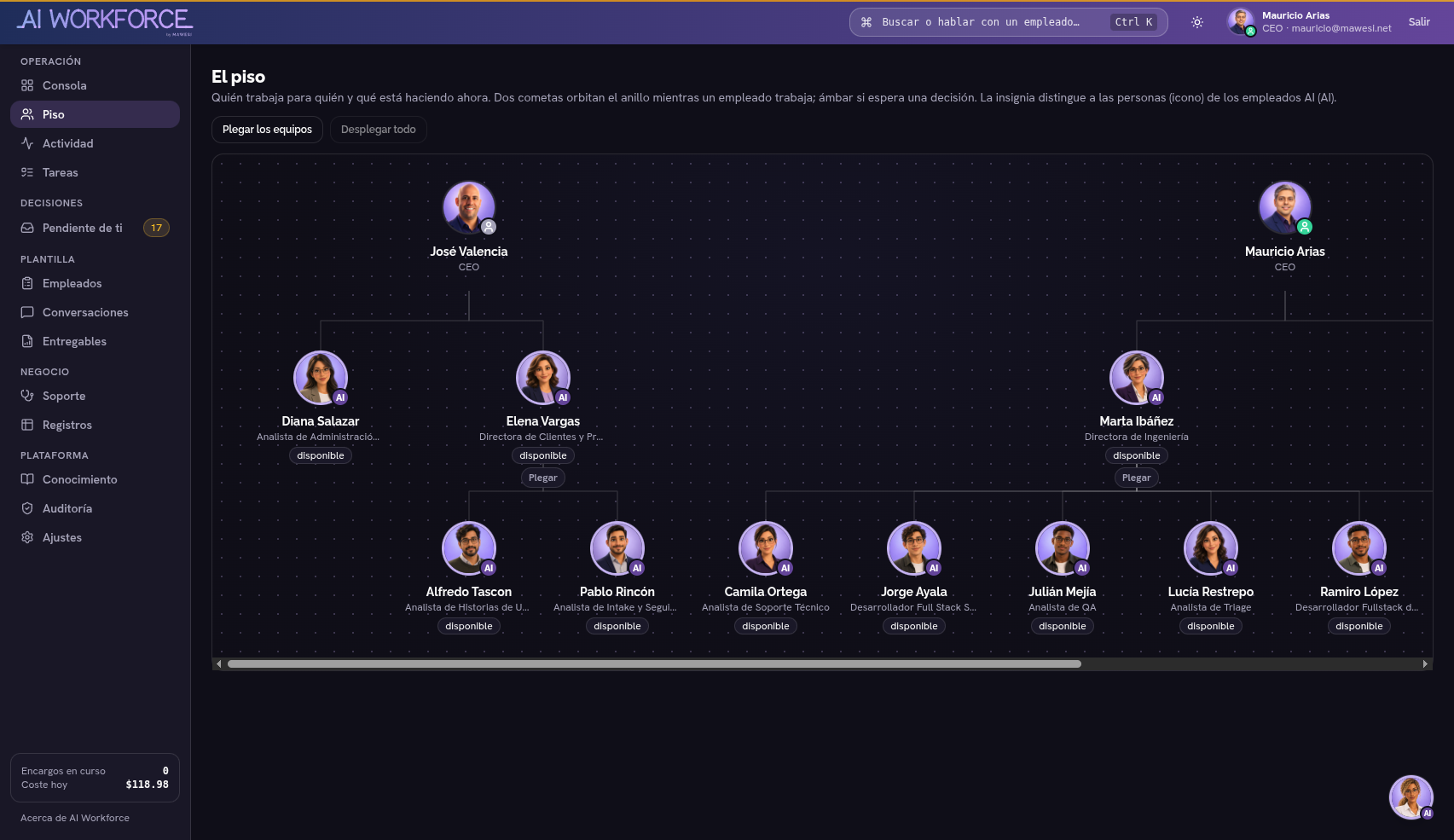
Organise who does what and who they report to. Track tasks, talk to employees and handle pending decisions from the platform.

  • Roles, skills and permissions per employee.
  • Conversations, activity and deliverables.
  • Approvals and usage tracking.
Enlarge actual screenshot
Actual AI Workforce screenshot showing the employee hierarchy and managers in the Floor view.
Screenshot from MAWESI’s instance, October 2026. Interface in Spanish; team and configuration vary by company.

Plans with their scope in view

Choose your plan.

One monthly fee for your company. It includes the AI employees, a dedicated server, support and a monthly AI allowance.

  • Enterprise

    To operate at scale, with an assigned contact.

    From$3,900/monthFrom$39,000/year

    Installation: quotedEquivalent to $3,250/month. Free installation.

    Choose Enterprise
    • Up to 12 AI employees
    • Additional employee: $260/month with $125 of AI
    • $1,500 of AI included per month
    • All integrations
    • Support within 4 business hours and 8 h of adjustments per month, with an assigned contact
    • 30-day backups and a monthly audit review
    • Single sign-on (SSO) and 99.5% availability

    With your own AI key: $2,400/month, no AI included. More than 12 employees: custom contract.

  • Starter

    To start with one process.

    $740/month$7,400/year

    Installation: $500Equivalent to $617/month. Free installation.

    Choose Starter
    • Up to 2 AI employees
    • $200 of AI included per month
    • 1 task manager and 1 channel
    • Email support within 2 business days
    • 7-day backups

Founder price

Team plan at $1,190/month for the first 5 clients.

The same included AI and free installation. The price stays fixed for 12 months, then rises in steps to the list price. In return, you give us a case study and a monthly meeting.

I want the founder price

In every plan

  • A dedicated, isolated server for your company.
  • Installation, updates and maintenance by MAWESI.
  • Permissions, audit trail and spending caps per employee.

What is the included AI?

A prepaid monthly amount of AI usage. Each task uses part of it, depending on its size.

  1. At 80% of usage, we alert you.
  2. At 100%, new work pauses.
  3. If you want to continue, you authorise it. Additional usage is billed separately.

Prices in USD, plus taxes. In Colombia they are billed in pesos at the daily exchange rate, plus VAT. Not sure which plan fits? Let’s start with your process

A clear process to get started.

  1. We review your case

    Tell us what work you want to delegate, the tools involved and the outcome you expect.

  2. We define the scope

    We agree on profiles, connections, permissions, budget and proposal terms.

  3. We prepare your team

    We install the platform and configure the agreed process with its controls.

Before you decide

The important questions.

The demo also helps check whether your process fits and what it needs to work.

[email protected]
What exactly is an AI employee?

A profile configured with a role, skills, tools, knowledge, permissions and a budget. It receives tasks and works within that scope. Its capabilities depend on the configuration and connected systems.

Can it act without supervision?

It can perform tasks allowed by its permissions. Actions configured for approval, and those the platform classifies as dangerous, require human authorisation. It may also need information or a decision to continue.

What kinds of AI employees can I have?

Each AI employee has a role: support, development, QA, administration or whatever your process needs. Your plan sets how many employees you have, not which kind. Skills and permissions are tailored to the agreed process.

Is AI usage unlimited?

No. Each plan includes a monthly AI allowance: $200 on Starter, $600 on Team and $1,500 on Enterprise. The number of tasks depends on their size. At 80% we alert you, and at 100% new work pauses. Continuing with additional usage is your decision.

Does a dedicated installation mean all processing is local?

The platform and configuration are dedicated to your company. AI processing uses the model provider, which receives information needed for the work. Credentials are managed in a vault. We review the scope of data and connections with you.

Which tools can it work with?

There are connectors for ClickUp, GitHub, Azure DevOps, Siigo, databases and channels such as email, calendar, Telegram and Microsoft Teams. If a service has an API, it connects through configuration, with no custom code. Availability depends on configuration and credentials. We review required integrations before including them in the proposal.

Do I pay monthly or annually?

You can pay monthly. If you pay for the year up front, you pay for 10 months, get 12, and installation is free.

How long does setup take?

It depends on the connections, access and processes we agree on. During the demo we review requirements, and the proposal defines scope and timing before work starts.

Let’s talk about actual work

What would you like to delegate first?

Tell us about your process and let’s see how an AI team would work with your tools and your rules.

  1. We review the process and expected outcome with you.
  2. We show the workflow and its approval points.
  3. We define the team and a proposal with a clear scope.
[email protected]

Your email application will open with the prepared request. Send it there to reach MAWESI. You can also copy or download it.